
AI Headshot Generator: Better Photos From Home
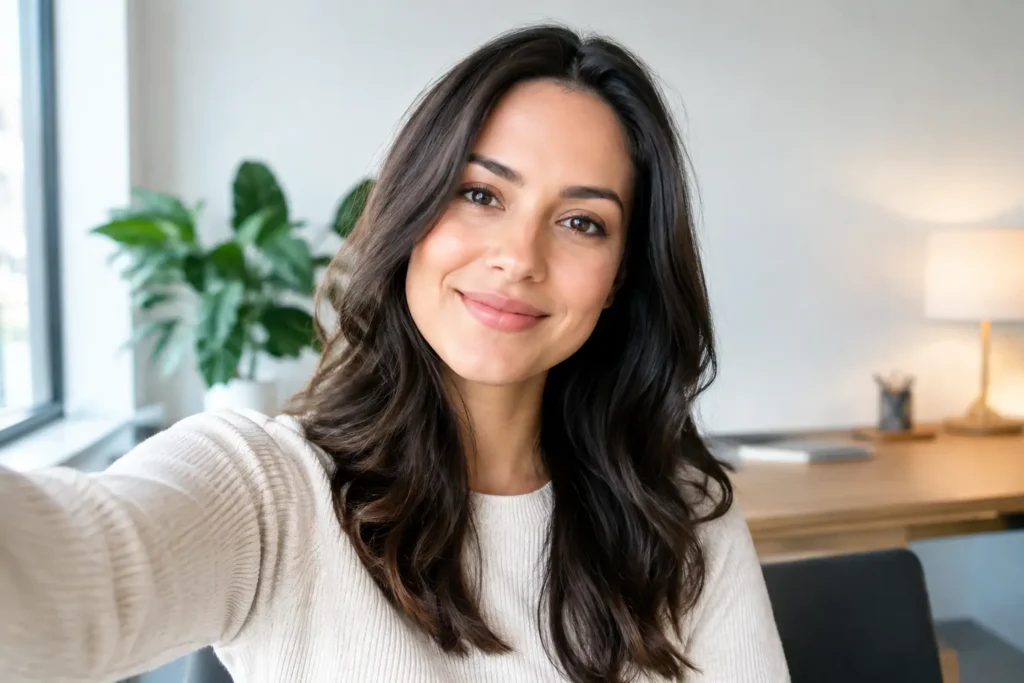
A job application is ready to send, but your LinkedIn photo is five years old, cropped from a group dinner, or missing altogether. That is exactly where an AI headshot generator can help. It gives you a practical way to create a polished, professional-looking portrait from photos you already have, without coordinating a studio appointment, travel, wardrobe changes, and a photographer’s schedule.
For many people, the goal is not a dramatic makeover. It is a photo that looks current, confident, and appropriate for the places where first impressions matter. That might mean LinkedIn, a resume, a company bio, a speaker profile, a dating profile, or a social account that represents your work.
What an AI headshot generator is really for
An AI headshot generator is a photo creation tool that uses your existing selfies or photos to create new portrait options of you. The useful part is not the technology itself. It is having more control over the kind of photo you need, from the comfort of home.
A strong professional headshot typically needs a clear view of your face, natural-looking expression, good lighting, and an outfit and background that fit the context. A traditional photo session can deliver that, but it also requires time, planning, and a budget that may not make sense when you need one updated image quickly.
Using an AI photo tool can be a more convenient option when you want to refresh your professional presence, try a few visual directions, or create a personalized photo session without leaving home. You can explore a clean business portrait for LinkedIn, a friendlier image for a personal website, or a more relaxed profile photo for social media.
It is not necessarily a replacement for every professional photoshoot. If you need event coverage, team photography, highly specific editorial direction, or a photo taken in a real location, a photographer may still be the best choice. But for an individual portrait with a clear purpose, creating options from your own photos can be a sensible starting point.
Start with the photo you want people to see
The best headshot is not simply the most formal one. It should make sense for where it will appear and what you want it to communicate.
For a LinkedIn profile or resume, aim for clear, approachable, and polished. A simple background keeps attention on your face. Clothing in solid, well-fitting colors often photographs well because it does not compete with your expression. If your work is client-facing, a warm expression can make you look more accessible without feeling casual.
For a personal brand, you may have more room for personality. A consultant, creator, real estate agent, or small business owner might choose portraits that feel more editorial, modern, or relaxed while still looking professional. The photo should feel consistent with the way you speak, dress, and show up in your work.
For social profiles, the right look depends on the platform and your goal. A profile image needs to remain recognizable at a small size, so close framing and a clear face usually work better than a full-body pose or a busy background. If you are building an online presence, having a few coordinated portraits can also make your profile feel more intentional.
The question to ask is simple: if someone saw this photo before meeting you, would it feel like an accurate and flattering introduction?
How to get better results from your selfies
Your input photos set the direction. You do not need professional camera equipment, but choosing thoughtful photos gives you a better chance of receiving headshots that resemble you and feel believable.
Use photos where your face is visible and in focus. Natural window light is often helpful because it reveals your features without heavy shadows. Include a range of clear images with slightly different angles and expressions, rather than uploading many near-identical selfies.
Avoid photos that hide key details. Dark sunglasses, face filters, extreme close-ups, strong motion blur, and heavily shadowed images make it harder to create a portrait that feels like you. Group photos can also be less useful unless you are clearly visible and easy to identify.
It helps to choose photos that reflect how you look now. If your hairstyle, facial hair, glasses, or overall style has changed recently, use current images. A new headshot should save you from the awkward moment when someone says, “You look different from your profile photo.”
You should also be realistic about what makes a good portrait. A polished result can improve the setting, presentation, and consistency of your images, but it should still look like the person people will meet. That balance matters more than chasing an overly edited or unfamiliar version of yourself.
Choose a style that matches the situation
Before creating photos, decide where they will be used. This keeps the process focused and helps you avoid producing a nice image that is wrong for the job.
A corporate job seeker may want a classic head-and-shoulders portrait with neutral styling. Someone applying to a creative agency may prefer a portrait with more color and personality. A therapist, coach, or service provider may prioritize warmth and trust. None of these approaches is universally better. The right choice depends on the audience.
Backgrounds deserve the same attention as clothing. Neutral studio-style backgrounds are versatile for LinkedIn, resumes, and company directories. Softer lifestyle settings can feel more personal for a website or social media. When in doubt, choose a background that supports the image without becoming the subject of it.
Think about wardrobe as a signal, not a costume. Wear something close to what you would choose for an important meeting in your field. A blazer may fit one role perfectly, while a clean knit top or structured shirt may better suit another. You want the result to look intentional and comfortable, not borrowed from someone else’s career.
A simple process for creating a professional-looking headshot
An AI headshot generator works best when you treat it like a short, focused photo planning session. Start by selecting several current, clear photos of yourself. Then identify the outcome you need: a LinkedIn headshot, a resume photo, a profile picture, or a small set of personal branding portraits.
Next, choose a look that fits that outcome. Keep the visual direction consistent at first. If you need a professional portrait, begin with clean styling, good face visibility, and an uncluttered background. Once you have a strong core image, you can explore a more creative version for social media or personal branding.
Review the generated options carefully. Look beyond whether the image is flattering. Check whether your eyes, smile, hair, skin tone, glasses, and other recognizable details feel accurate. Make sure the crop works for the platform where you will use it, especially if the photo will appear in a small circular frame.
Pixel Studio App can be useful when you want to create personalized portraits and photo sessions from an existing photo or selfie, without the cost and inconvenience of arranging a traditional shoot for every new need. The point is to help you get a photo that fits your life now, whether you are applying for a role, updating a profile, or creating a more cohesive online presence.
When an AI-generated headshot may not be the right choice
Convenience is valuable, but context matters. Some organizations have strict photo requirements, particularly for identification, credentials, or official documents. In those cases, follow their guidelines and use a standard camera photo if required.
You may also prefer a photographer when the shoot itself is part of the experience. A photographer can direct your posture, capture spontaneous expressions, and create portraits in a specific real-world environment. That hands-on approach can be worth it for major brand launches, executive photography, or a campaign that needs many people photographed in the same style.
Still, many everyday photo needs are less complicated. You may simply need an updated portrait that feels professional, recognizable, and ready to use. Creating it from home can remove a surprising amount of friction.
A good headshot does not need to look distant or overly formal. It should make it easier for the right people to recognize you, trust the impression you make, and feel ready to connect.
Pronto pra criar suas próprias fotos com IA?
Envie uma foto e gere resultados profissionais em minutos, sem sair de casa.
Começar agora