
AI Photography: What You Can Create From One Photo
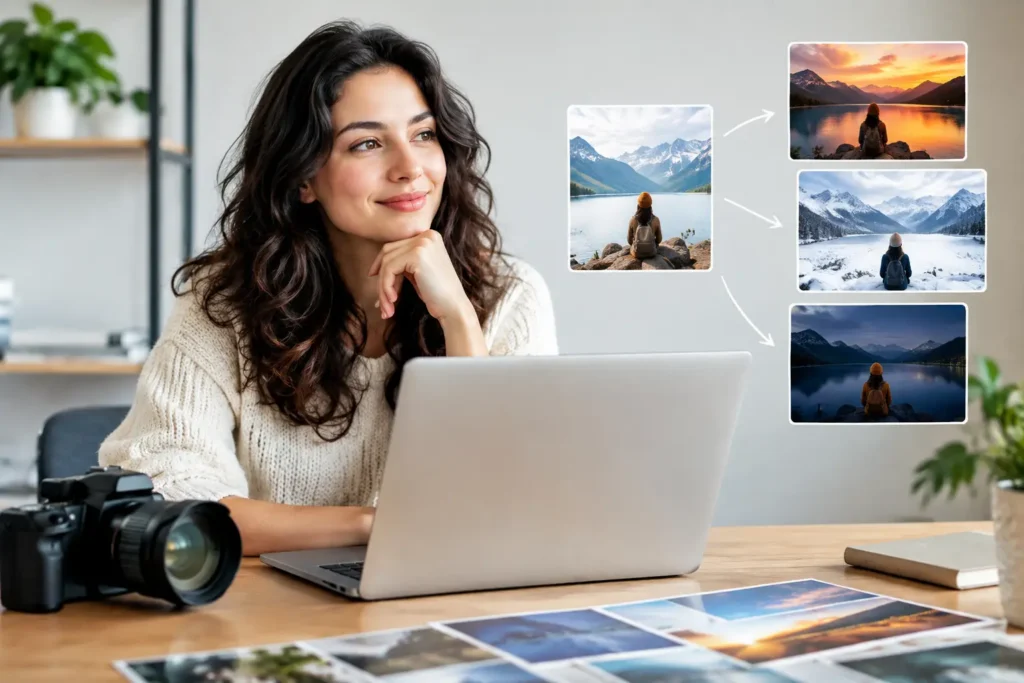
A strong photo can open a door, but getting one has traditionally meant scheduling a session, traveling to a studio, choosing outfits, and hoping the final images fit every place you need to show up. AI photography: what you can create from one photo is really about a simpler option: using a photo you already like as the starting point for portraits that suit the moment.
That moment might be a job application that needs a polished headshot by Friday. It might be a new freelance business, a LinkedIn profile that no longer looks like you, or a social profile that deserves more than a dimly lit selfie. One clear, recent photo can help you explore professional, personal, and creative directions without organizing a traditional photoshoot for each one.
The goal is not to replace every photographer or every occasion. A family milestone, wedding, or brand campaign may still benefit from the attention of a photographer in the room. But for many everyday needs, creating a better-looking portrait from home can be the practical answer.
AI Photography: What You Can Create From One Photo
A single source photo can become the foundation for a range of images that look appropriate in different contexts. The best results begin with a photo that clearly shows your face, uses decent lighting, and represents how you look now. From there, the useful question is not, “What effect can I add?” It is, “What photo do I need?”
A professional headshot for work
Professional headshots are one of the clearest uses. You may need a confident, approachable image for LinkedIn, a resume, a company bio, a speaker profile, or a portfolio. A good work portrait should keep the focus on you: clear eyes, natural expression, tidy styling, and a background that does not compete for attention.
Different industries call for different levels of formality. A corporate job seeker may choose a clean studio-style portrait with business attire. A designer, consultant, or creative professional may prefer something polished but less formal, with a softer setting and more personal warmth. Neither is automatically better. The right choice depends on the role, your field, and the impression you want to make.
Using a current selfie or portrait as the source can make this much easier when you do not have access to a studio. It also gives you the freedom to create a few suitable options rather than relying on one pose for every platform.
Profile pictures that fit the platform
A profile picture is small, but it does a surprising amount of work. It helps a recruiter recognize you, gives clients a sense of who they are hiring, and makes an online account feel more credible and personal.
The photo for a professional networking site should not necessarily be the same as the photo for a dating profile, community group, or personal social account. A LinkedIn photo often benefits from straightforward framing and a restrained background. A personal profile picture can show more color, casual style, or personality. Starting from one source photo lets you create variations while keeping your appearance recognizable.
Consistency matters most when you are building a personal brand. If your website, social accounts, and professional profile all use images that feel like different people or different eras of your life, your presence can feel scattered. Coordinated portraits create a more considered impression without making you look overly posed.
Personal branding images with more range
One head-and-shoulders photo is useful, but entrepreneurs, freelancers, and creators often need more variety. They may need a clean portrait for an About page, a friendly image for a newsletter, a professional photo for a guest bio, and a more relaxed visual for social media.
This is where a personalized photo session can be more useful than a single replacement headshot. You can create images that feel connected in lighting, style, and overall mood, while giving yourself options for different uses. A financial advisor might choose classic, confident portraits. A fitness coach could favor brighter, more energetic images. A writer or consultant may want something warm, calm, and conversational.
The most effective personal-brand photos support your work rather than distracting from it. Choose settings and clothing that reflect your actual professional identity, not a version that feels unfamiliar. If you would never wear a formal suit in your work, a highly corporate portrait may feel less believable than a smart, simple outfit that matches your usual style.
Social media portraits and new looks
Sometimes you simply want photos that feel more intentional than your camera roll. A well-made portrait can give you a fresh profile image, content for an announcement, or a photo that marks a new season in your life.
From one photo, you can explore a change in wardrobe, backdrop, or photographic mood without changing your face or losing the natural qualities that make the image yours. Think of the difference between a neutral indoor portrait, an outdoor-inspired lifestyle image, and a close-up with a more editorial feel. Each can have a place, depending on what you plan to share.
Variety is helpful, but accuracy matters more. Avoid choosing a look that is so different from your everyday appearance that it creates confusion when someone meets you. A good portrait can be polished and flattering while still feeling like a current, believable version of you.
Personalized family and baby portraits
Creating photos from home can also help with personal milestones. Parents may want a more polished baby portrait than the quick snapshots on their phone. Families may want a coordinated image for a card, announcement, or keepsake without arranging a full session around naps, schedules, and travel.
These needs come with a higher standard for care. Use recent images, select looks that feel timeless rather than overly stylized, and check details closely. For babies and children especially, the best result should preserve their real features, expressions, and age. A family image is often meaningful because it documents a particular time, not because it looks perfectly staged.
How to Choose the Right Source Photo
The quality of the starting photo shapes what you can create. You do not need professional equipment, but you do need a useful reference. Choose an image where your face is unobstructed, your features are in focus, and the lighting is reasonably even. A window-lit selfie taken facing the light is often a better starting point than a dramatic photo with deep shadows or a busy background.
Use a recent image whenever possible. If you have changed your hairstyle, facial hair, glasses, or overall look, update the source photo first. This is especially important for resume photos and professional headshots, where recognition and credibility matter.
Expression also changes the result. A relaxed face with a slight, genuine smile is versatile for most purposes. You do not need to look intensely serious to look professional. In many fields, approachable and composed is the stronger choice.
Match the Photo to the Real Need
Before creating anything, decide where the image will appear. That single decision helps you make better choices about clothing, background, crop, and mood.
For a resume or LinkedIn profile, favor a clean portrait where your face is easy to see even at a small size. For personal branding, consider a small set of related images that can support different pages and posts. For social media, you can take more creative freedom, as long as the image still resembles you. For a family or baby portrait, choose a style that you will still appreciate after the trend has passed.
Pixel Studio App is designed for this practical kind of photo creation: helping you use photos you already have to create professional-looking portraits, updated profile pictures, and personalized photo sessions without the time and expense of arranging a new studio appointment.
What One Photo Cannot Solve on Its Own
There are limits worth keeping in mind. A single photo may not capture the angle, full-body framing, or expression you need for every type of image. If the source photo is blurry, heavily filtered, very old, or partially hidden, the result may be less convincing. Better source material usually leads to better options.
It is also wise to review the finished image closely. Look at the eyes, hands if visible, hairline, clothing details, and background. Make sure the final portrait feels natural, current, and suitable for its intended use. If it is for work, ask yourself a simple question: would a colleague recognize me immediately in a video call or interview?
Traditional photography still has a distinct role when you need a specific location, team photos, event coverage, or a photographer’s direction during the shoot. Creating from an existing photo is strongest when convenience, variety, and a polished personal portrait are the priority.
The value of one good photo is not that it has to become everything. It is that it can give you a credible starting point for the versions of yourself you need to show up with next.
Pronto pra criar suas próprias fotos com IA?
Envie uma foto e gere resultados profissionais em minutos, sem sair de casa.
Começar agora