
Where Can I Create Professional Photos From My Own Photo?
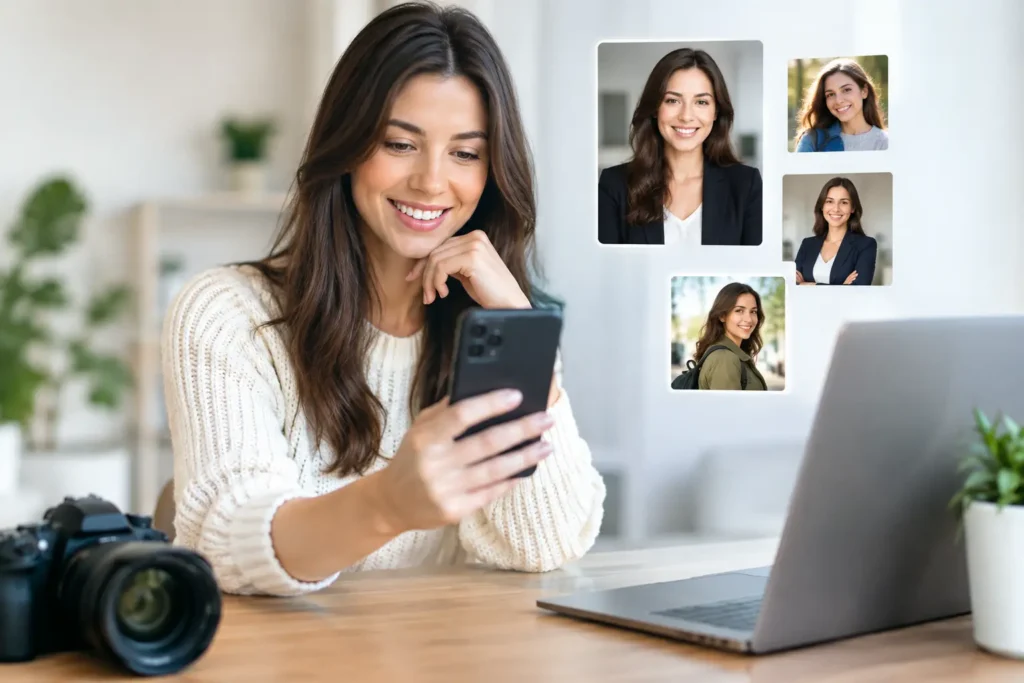
A professional headshot can make a big difference in how you present yourself online. Whether you need a new LinkedIn photo, a professional profile picture, a resume photo, or simply want a more polished portrait, you do not always need to book a photographer or visit a studio.
Today, you can create a professional-looking headshot from a photo you already have.
Where can I create a professional headshot from my own photo?
Look for a photo creation platform that allows you to start with an existing picture rather than requiring a completely new photoshoot.
The process is simple: upload a clear photo of yourself, choose the type of portrait you want to create, and explore different professional looks based on your original image.
This can be particularly useful when you need a new headshot quickly or want to experiment with different styles before deciding which one fits you best.
Pixel Studio App is designed around this kind of use. You can start with an existing photo or selfie and create personalized, professional-looking portraits without needing professional photography equipment or advanced editing skills.
What makes a good photo for a professional headshot?
The quality of your original photo can affect the final result.
You do not necessarily need a studio photograph. A clear selfie or casual portrait can be a useful starting point as long as your face is easy to see.
Look for a photo with:
- Clear facial details
- Good lighting
- Minimal blur
- A simple background
- Your face facing the camera or slightly turned
- No other people covering or overlapping your face
A recent photo is usually a better starting point than an old picture that no longer looks like you.
You also do not need to wear formal clothing in the original photo. Depending on the tool and the type of portrait you want, you can explore different professional looks without having to plan an entire photoshoot.
What can you use a professional headshot for?
A professional headshot is useful in more places than just LinkedIn.
You might use one for:
Your profile photo is one of the first visual elements people see when they visit your LinkedIn profile. A clear, current portrait can help your profile feel more complete and professional.
Resume and job applications
Some resumes and professional profiles include a photo, depending on the country, industry, and application requirements. If you choose to include one, a clean and professional portrait can fit better than a casual selfie.
Professional websites
Freelancers, consultants, entrepreneurs, creators, and business owners often need a consistent photo for their personal website or professional profile.
Social media
Not every profile needs to look corporate. You can create a professional-looking portrait while still choosing a style that feels natural to your personality.
Personal branding
If you are building a personal brand, having several professional-looking photos can make it easier to maintain a consistent visual identity across different platforms.
Can you create a professional headshot from a selfie?
Yes. A selfie can be a practical starting point when it has enough detail and the face is clearly visible.
The important thing is not whether the original photo was taken with a professional camera. What matters is whether the image provides a clear representation of you.
A well-lit selfie taken near a window can sometimes be a better starting point than a technically better camera photo with poor lighting or an unclear face.
Before choosing a photo, look at the basics: Is your face sharp? Is the image reasonably well lit? Are your features visible? Does the photo still look like you?
If the answer is yes, you may already have a useful starting point.
Choose the style based on where you will use the photo
Not every professional headshot needs to look the same.
A corporate LinkedIn profile may call for a clean and understated portrait. A creative professional may prefer something more relaxed and expressive. An entrepreneur might want a polished image that still feels approachable.
Think about where the photo will appear before choosing a style.
For example:
- LinkedIn: clean, professional, approachable
- Resume: simple and polished
- Personal website: professional but aligned with your personality
- Social media: more expressive and personal
- Creative portfolio: professional with more room for personality
- Personal branding: consistent with your overall visual identity
The goal is not to create the most formal image possible. It is to create a photo that makes sense for the situation.
Why create a headshot from an existing photo?
Traditional professional photography still has an important place, especially when you need a completely customized photoshoot, specific lighting, or images for major professional or personal milestones.
But there are situations where you simply need a new portrait without the time and logistics involved in arranging a photoshoot.
Starting with an existing photo can make the process more convenient.
You do not need to schedule a photographer, travel to a studio, plan outfits around a specific appointment, or spend an entire afternoon taking dozens of pictures just to update your profile.
For a quick profile update or a new professional image, creating a portrait from a photo you already have can be a practical alternative.
Create several versions instead of choosing one immediately
One advantage of creating a professional headshot from an existing photo is the ability to explore different options.
You might prefer one portrait with a neutral background, another with a warmer atmosphere, or another with a slightly more relaxed appearance.
Creating several versions lets you compare them in context.
Ask yourself:
- Does this still look like me?
- Does the photo fit the platform?
- Does the expression feel natural?
- Does the style match my professional image?
- Would I feel comfortable using this as my profile photo?
The best version is not necessarily the most polished-looking one. It is the one that feels appropriate and recognizable.
A professional photo does not have to look artificial
When creating a professional-looking portrait from an existing image, realism matters.
Small details can make a photo feel more natural: realistic lighting, believable skin texture, appropriate proportions, and an expression that still resembles the person in the original photo.
The goal should be to create a better representation of yourself, not an image that looks completely disconnected from you.
That is especially important for professional profiles. A headshot should help people recognize you, not make them wonder whether the person in the photo is actually you.
Your next professional headshot can start with a photo you already have
You do not always need a professional camera or a studio appointment to create a new professional-looking portrait.
If you already have a clear photo of yourself, it can be a useful starting point for a new headshot.
Whether you need a LinkedIn photo, a professional profile picture, a resume portrait, or a personal branding image, starting from a photo you already have can make the process simpler and more convenient.
Pixel Studio App gives you a way to explore personalized professional portraits from an existing photo or selfie, so you can create new options without starting from a traditional photoshoot.
The right photo is the one that represents you well, fits the place where you will use it, and makes you feel comfortable putting it forward.
Pronto pra criar suas próprias fotos com IA?
Envie uma foto e gere resultados profissionais em minutos, sem sair de casa.
Começar agora